

A blossoming site portfolio is a great sign that a business is going places, although it comes with the new challenge of how best to manage multiple sites.
Administrators, developers, and agencies have the stress of dealing with time-consuming plugin updates and maintaining security measures across numerous platforms. As new sites are added, routine maintenance can turn into a lengthy ordeal.
Thankfully, there’s a solution, and it comes in WordPress management software — the digital assistant you never knew you needed! Dedicated software can automate tedious tasks and ensure consistency across all your sites, reducing the risk of overlooked updates or security vulnerabilities.
In this article, we’ll delve into why management tools are worth their weight in gold for anyone juggling multiple sites. We’ll explore the features that make these solutions indispensable and review some of the leading plugins so you can make an informed decision on how to revolutionize your own multi-site management.
Why should you use a WordPress management tool?
If an easier life appeals to you when it comes to maintaining multiple sites, a dedicated WordPress management tool could be your savior. Let’s look at the challenges multi-site owners face, along with the benefits a centralized tool brings to the party:
Common challenges in managing multiple WordPress sites
- Lack of centralized user management: WordPress doesn’t offer a built-in system for managing users across multiple sites from a single location, so administrators have to log into each site individually. This time-consuming process can become a major bottleneck as the number of sites grows.
- Manual permission assignments: Setting roles and permissions for each user on each site is complex and prone to errors. The confusion that can arise from manually managing permissions across multiple sites can lead to security vulnerabilities or unintended access restrictions.
- Password fatigue and security risks: The need to create and remember unique, strong passwords for each site can lead to poor password practices, such as reusing old passwords or choosing weak ones. This increases security risks across all managed sites, as poor passwords are much easier to guess.
- Time-consuming updates and maintenance: Keeping themes, plugins, and the WordPress core updated across multiple sites is a thankless task. Manual updates and maintenance tasks require significant effort and attention to detail, which can be challenging to maintain across all sites.
- Security management: Ensuring consistent security measures and staying vigilant against vulnerabilities and outdated plugins across sites is difficult to achieve without a centralized system.
- Performance monitoring: Keeping track of site speed, uptime, and other vital performance metrics across multiple sites is essential for maintaining user satisfaction and SEO rankings. Monitoring these aspects individually for each site can add a huge workload.
- Client reporting and satisfaction: Generating comprehensive reports and maintaining clear communication with each client about their site’s status and performance is difficult to organize without a dedicated tool in your pocket.
The importance of centralized website management
“A centralized website management system is a no-brainer for anyone with multiple sites. They enable consistent branding, content updates, and granular access controls. Take a centralized approach and you’ll be saving time, reducing errors, and safeguarding sensitive data.”
— Alberto Recio, UX/UI Designer, SolidWP
- Efficiency and time savings: The efficiency gains of using centralized website management are substantial. With a centralized dashboard, tasks like updates, backups, and security checks can be performed across all sites simultaneously.
- Enhanced security: Centralized management improves security. By monitoring potential threats across all sites from a single point, administrators can quickly identify and remove security risks.
- Consistent performance monitoring: Consistent performance helps to maintain a positive user experience. Centralized monitoring allows for quick identification of issues across all sites, so fixes can be made as and when required. A proactive approach helps maintain optimal site speed and functionality — essential for user satisfaction and SEO.
- Simplified client management: For agencies and freelancers, centralized management simplifies client relationships. Customizable client dashboards and automated reporting improve communication lines and offer transparency.
- Scalability: As your portfolio of sites grows, centralized management tools can easily accommodate the increased workload without compromising performance. Scalability ensures that your management system can evolve alongside your business, handling an increased workload with ease.
Introducing Solid Central: your ultimate multi-site management tool
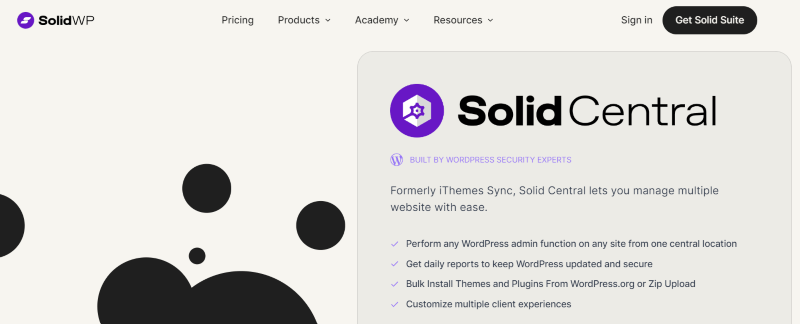
Our Solid Central platform meets the challenges of multi-site management through a comprehensive feature set:
Centralized dashboard for efficiency
Solid Central’s centralized dashboard has revolutionized multi-site management. A single interface allows users to oversee and control numerous sites from a single location, removing the need for individual logins. Real-time updates provide instant visibility into each site’s status, including uptime, performance metrics, and security conditions, ensuring site admins stay informed at all times.

Its efficiency shines through its ability to perform bulk actions across multiple sites simultaneously. Whether it’s updating plugins, creating backups, or monitoring performance, Solid Central significantly reduces the time and effort spent.
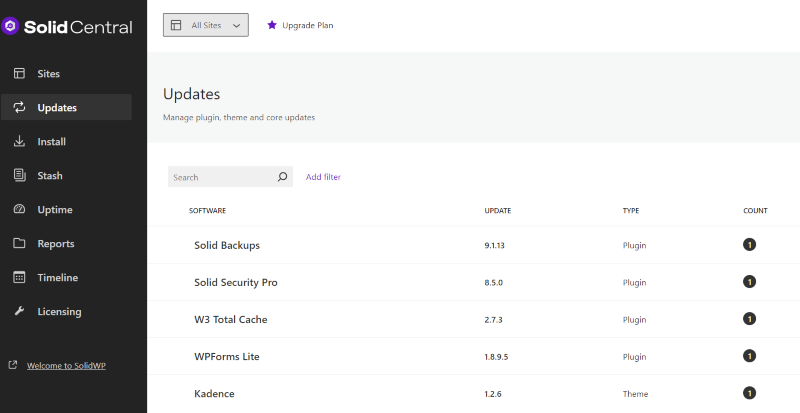
Furthermore, Solid Central simplifies user management by allowing administrators to control roles and permissions across multiple sites from one central location, ensuring consistent access control. Integrations with Solid Backups and Solid Security add further weight to the dashboard’s capabilities, offering automated backups and comprehensive site-wide security.
Robust security features to protect all your sites
Solid Central continuously monitors uptime, downtime, and overall performance, detecting vulnerabilities and alerting users to potential security threats. Our proactive approach allows administrators to address issues before they escalate.
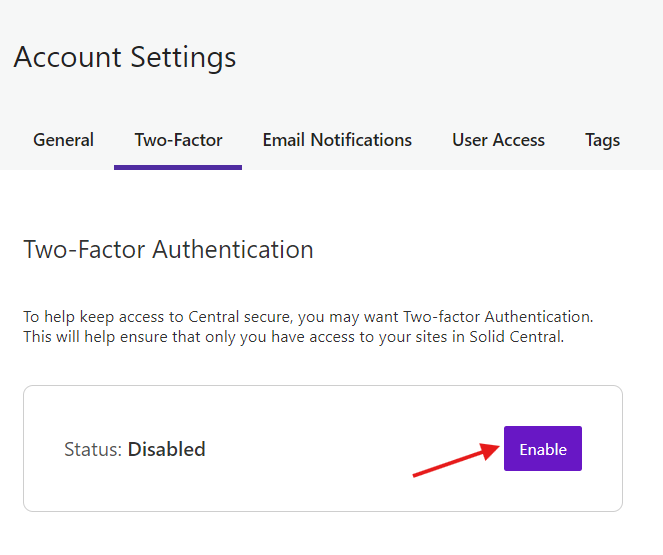
Two-Factor Authentication (2FA) is an important piece of Solid Central’s security strategy, adding an extra layer of protection to user logins. By requiring a second form of verification beyond passwords, 2FA reduces the risk of unauthorized access, even if user details are compromised.
Adding Solid Security to your plan builds on Solid Central’s protective capabilities. This plugin partnership improves safeguards against brute force attacks, malware, and other common WordPress vulnerabilities.
Customization and scalability
Customization options allow site admins to tailor the experience to meet their needs and scale as their number of managed sites grows. A tag-based control system allows for better organization, making it easy to group and filter sites based on customized criteria.
Users can create custom client dashboards, providing a personalized view for each client while maintaining control over the information displayed. And the platform’s architecture is designed to handle hundreds of sites without compromising performance.
Support and resources
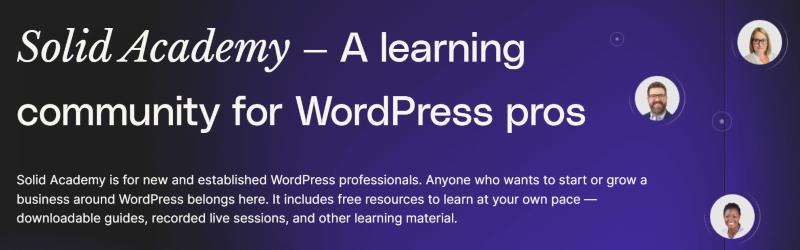
All Solid Central users benefit from comprehensive support services and resources. Our dedicated customer support team offers prompt assistance, and users gain access to the Solid Academy learning community, a valuable resource for sharing knowledge and best practices.
Extensive online documentation provides detailed guidance on all aspects of our platform. For visual learners, a library of video tutorials and step-by-step guides is available, covering everything from basic setup to advanced features.
Pricing
Solid Central’s pricing structure is designed to scale with your business needs:
- $69/year for 5 sites
- $99/year for 10 sites
- $199/year for 25 sites
- $349/year for 50 sites
- $699/year for 100 sites
For businesses managing over 101 sites, custom packages are also available, ensuring that Solid Central remains cost-effective as your client base expands.
Comparing Solid Central to other WordPress management tools
So we’ve seen what Solid Central can do — let’s take a look at the other options out there!
ManageWP

ManageWP is a well-established SaaS solution for managing multiple WordPress sites. Its logical dashboard simplifies common tasks like updates, backups, security scans, and client reporting. The user-friendly interface makes it accessible for users of all skill levels, allowing for efficient management of multiple sites.
However, ManageWP’s hosted nature means your website data is stored on their servers, which may raise privacy concerns for some users. Additionally, the per-site billing model can become costly as you scale to manage more sites. While ManageWP offers a free version, additional fees for add-ons on a per-site basis can quickly add up, potentially making it less cost-effective than Solid Central.
Prices per add-on for users with up to 25 websites:
- Backup: $24 per year/per site
- White Label: $12 per year/per site
- Advanced Client Report: $12 per year/per site
- Automated Security Check: $12 per year/per site
MainWP
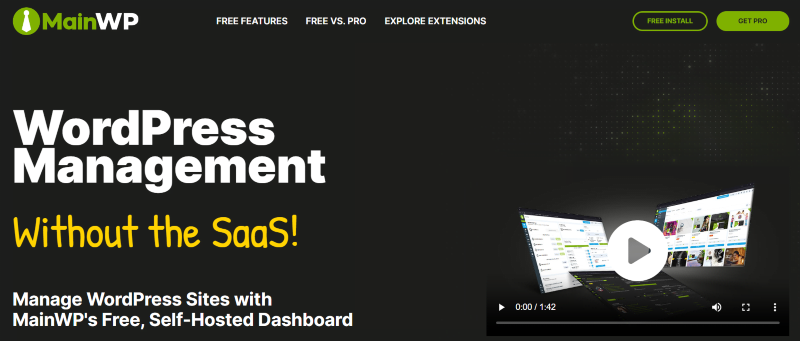
MainWP takes a different approach as a self-hosted, open-source WordPress management plugin. By keeping everything on your own servers, users gain complete control over their data and can customize the solution to their specific needs.
However, MainWP’s interface is not as polished as some SaaS alternatives, including Solid Central. The setup process requires more technical knowledge, and users are responsible for securing and maintaining their own management dashboard. While this offers more flexibility for developers, it may be less user-friendly for those without technical expertise.
Pricing-wise, MainWP offers a free version, with a Pro version priced at $199 per year or a Lifetime version for a one-time payment of $599.
InfiniteWP
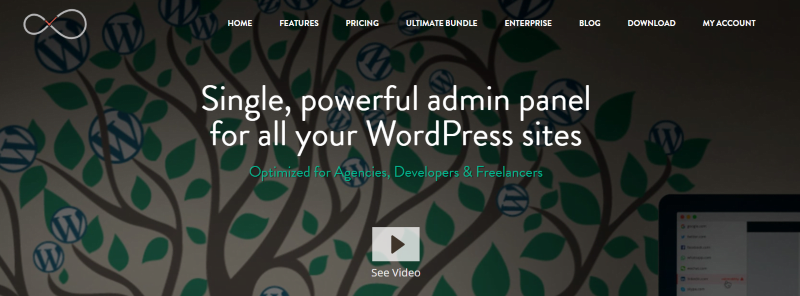
InfiniteWP is another self-hosted WordPress management tool that can handle unlimited sites for free — a real advantage for users managing many WordPress installations. However, it’s worth noting that several key features, such as automated backups and white-labeling, are only available with paid plans. These plans are tiered based on the number of sites managed, ranging from $147 per year for the Starter plan to $647 per year for the Enterprise plan.
Although a highly capable platform, one of InfiniteWP’s main drawbacks is its complex setup process. Users have reported that it can be quite challenging to install and configure compared to other hosted solutions. This complexity makes it less suitable for users who aren’t particularly tech-savvy.
Despite these limitations, InfiniteWP remains a popular choice for users who prioritize self-hosting and are comfortable with a more technical approach to WordPress management. Its free tier is appealing for users on a tight budget who don’t need so many advanced features.
Jetpack
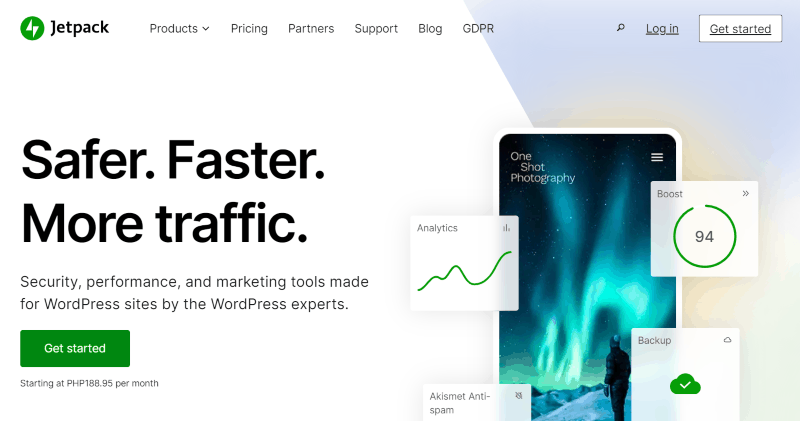
Jetpack, developed by Automattic, is a multifaceted WordPress plugin that includes a centralized management feature called Jetpack Manage. The tool allows for basic management of multiple WordPress sites, but it’s not as comprehensive as dedicated management solutions.
While Jetpack Manage is free to use, many of Jetpack’s other modules and advanced features require paid subscriptions. It’s important to note that not all sites will need the full range of Jetpack’s features, making it a less efficient choice for users solely focused on site management.
In conclusion, Solid Central combines the convenience of a hosted SaaS solution with the privacy and security benefits of a self-hosted tool, making it the ultimate WordPress management solution:
- All data is encrypted end-to-end and never stored on Solid Central’s servers. This gives you peace of mind that your site data will remain private.
- Solid Central’s interface is designed to be easy to use for technical and non-technical users alike.
- Common tasks like updates, backups, security, and client reports are simple and intuitive.
- Our platform offers straightforward pricing that remains affordable as you scale, starting at just $69 per year for five sites.
Managing multiple WordPress sites can overwhelm even experienced site admins, with challenges ranging from time-consuming updates to security vulnerabilities and inconsistent performance.
A reliable management tool is the key to overcoming these hurdles and taking back control of your workflows. We’ve explored some of the most popular WordPress management solutions in this article, and seen how Solid Central addresses all potential challenges head-on. With a centralized dashboard, excellent security, and scalable pricing, our solution offers major advantages regarding productivity and organization.
If you’re ready to bring order to your multi-site portfolio, get started with Solid Central today!
Keep reading the article at Blog – SolidWP. The article was originally written by Alexis Bryan on 2024-08-07 10:05:35.
The article was hand-picked and curated for you by the Editorial Team of WP Archives.